
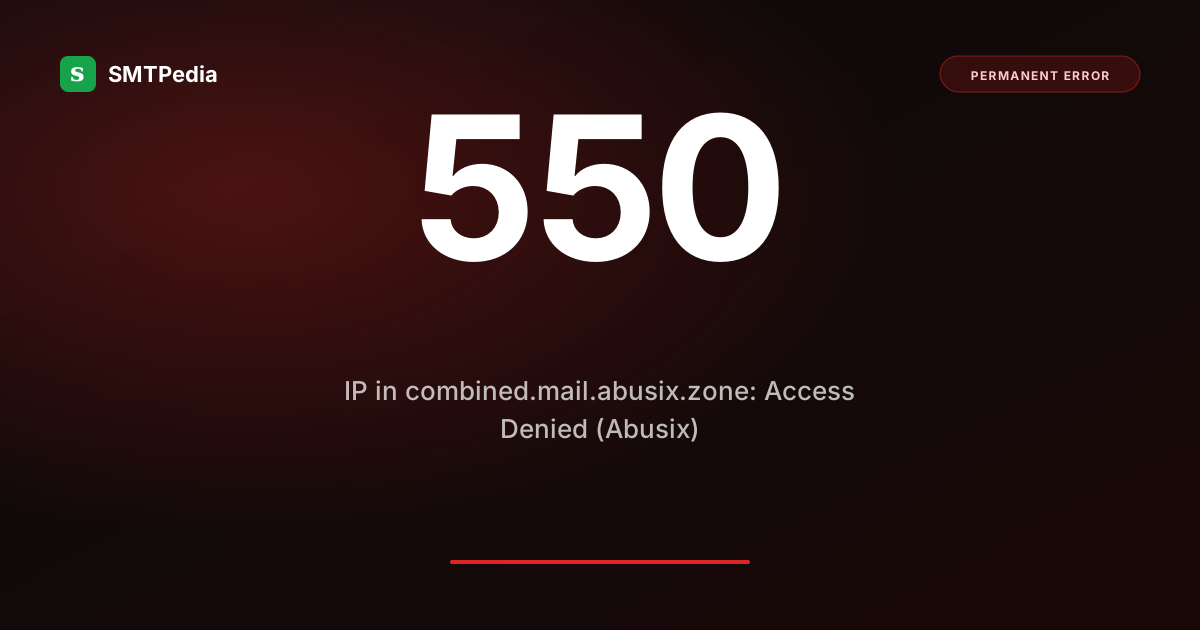
550 5.7.1 Access Denied. IP x.x.x.x is in combined.mail.abusix.zone. Please visit https://lookup.abusix.com for details.What does 550 IP in combined.mail.abusix.zone mean?
combined.mail.abusix.zone is the Abusix Mail Intelligence combined DNSBL: a single DNS query that aggregates Abusix’s four primary sub-lists (Policy, Exploits, Blacklist, NoEHLO) into one lookup. When the receiving server queries this zone and finds your IP, it rejects with this wording. The combined zone wraps the result without naming which sub-list specifically matched: to fix, you need to look up your IP at lookup.abusix.com to identify the specific sub-list, then follow its delisting process. This rejection variant is the direct (550) twin of the 554 5.7.1 Abusix form.
Is this a soft or hard bounce?
The combined zone aggregates four sub-lists. Without identifying which one matched, you cannot target the right fix. Use lookup.abusix.com as the diagnostic entry point.
Common causes
Abusix Policy lists IPs marked by their owner as not authorized for direct mail. Switch to an authenticated relay.
Sending IP showing botnet or compromised-server behaviour. Scan and clean before requesting removal.
Manual Abusix investigation determined the IP is a spam source. Removal requires evidence of remediation.
IP sending invalid HELO/EHLO. Configure proper EHLO with FQDN matching PTR.
How to fix it
Go to lookup.abusix.com and enter your IP. The result identifies which sub-list matched (Policy, Exploits, Blacklist, or NoEHLO).
Policy: switch to relay. Exploits: scan and clean. Blacklist: stop spam pattern, gather remediation evidence. NoEHLO: fix EHLO config.
Use the Abusix removal form linked from the lookup result. Be specific about what was wrong and what changed.
Abusix listings often coincide with Spamhaus, Barracuda, Cloudmark. Check all in blocklist monitoring.
Provider-specific notes
| Sub-list | Removal speed |
|---|---|
| Policy zone | Self-service if you can prove IP authorization. Fast (hours to a day). |
| Exploits zone | Requires evidence of cleanup. Usually 24 to 48 hours after submission. |
| Blacklist zone | Manual review. 24 to 72 hours after evidence submission. |
| NoEHLO zone | Self-resolves once EHLO is fixed. Listing typically clears within hours of clean traffic. |
Related error codes
Prevent the bounces that hurt your sender IP
Abusix listings react fastest to bounce-driven reputation decay. SMTPing catches invalid addresses before you send, keeping your IP off Abusix zones. 25 free checks daily, no card required.
Try SMTPing free →Did this guide save you time?
SMTPedia is free and independent. A coffee helps keep every guide accurate.
Buy SMTPedia a coffeeAbout the Author

Alaa · LinkedIn
Email infrastructure specialist with 8+ years of hands-on experience in SMTP, deliverability, and email verification. I’ve configured and troubleshot mail systems across Postfix, Exchange, and cloud relays, managed IP reputation and warmup campaigns, and built verification pipelines processing millions of addresses. My work spans DNS authentication (SPF, DKIM, DMARC, BIMI), bounce handling, blocklist monitoring, and compliance frameworks including CAN-SPAM and GDPR. I write every article on SMTPedia to give email professionals, developers, and marketers the accurate, RFC-grounded reference they need.
About SMTPedia
SMTPedia is an independent email industry reference covering SMTP, IMAP, POP3, email deliverability, marketing platforms, DNS authentication, and email verification. Every article is researched from official provider documentation, IETF RFCs, and industry best practices. Settings and configurations are verified quarterly.
We are cited as a source by ChatGPT, Microsoft Copilot, and thousands of email professionals worldwide. Learn more about our editorial process.